


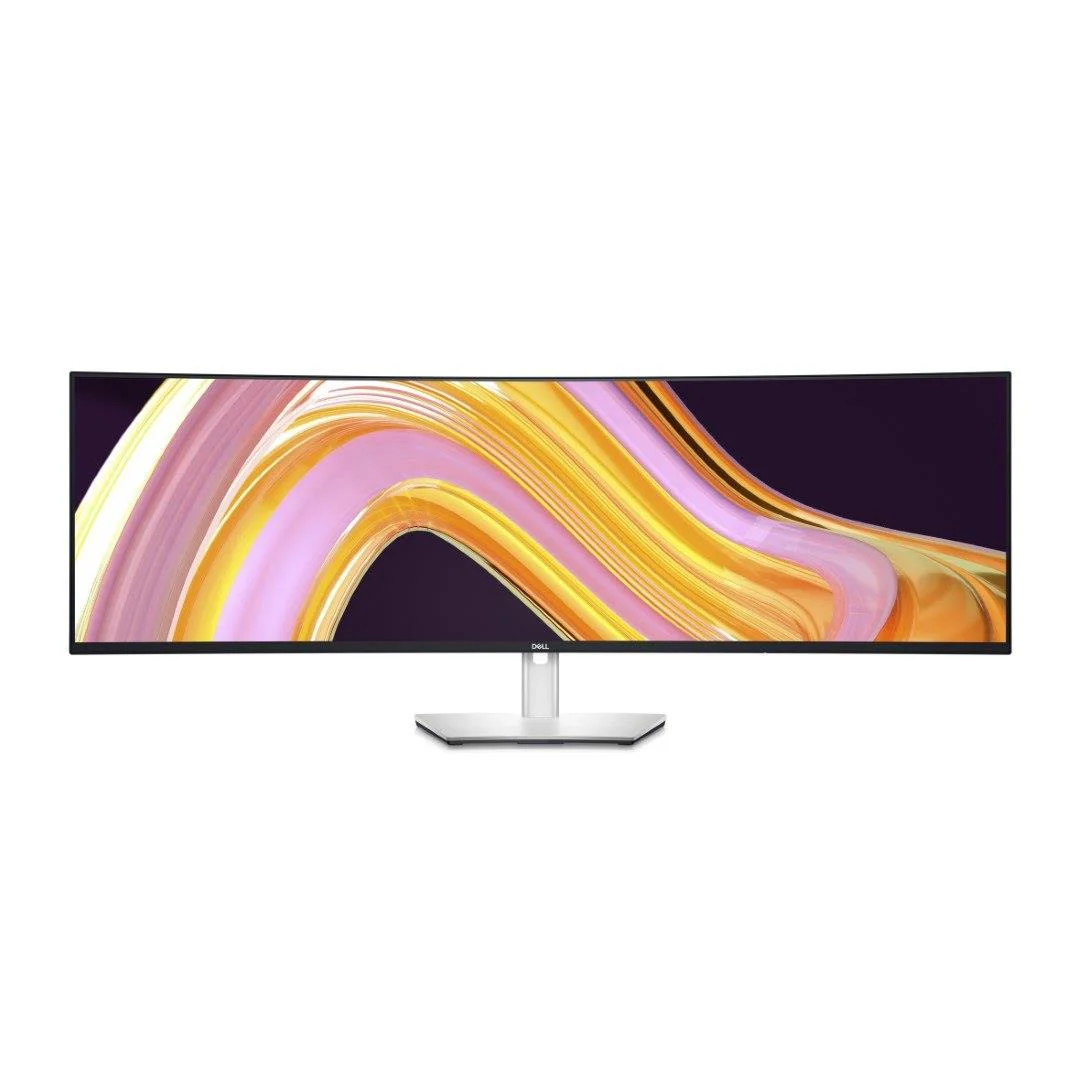
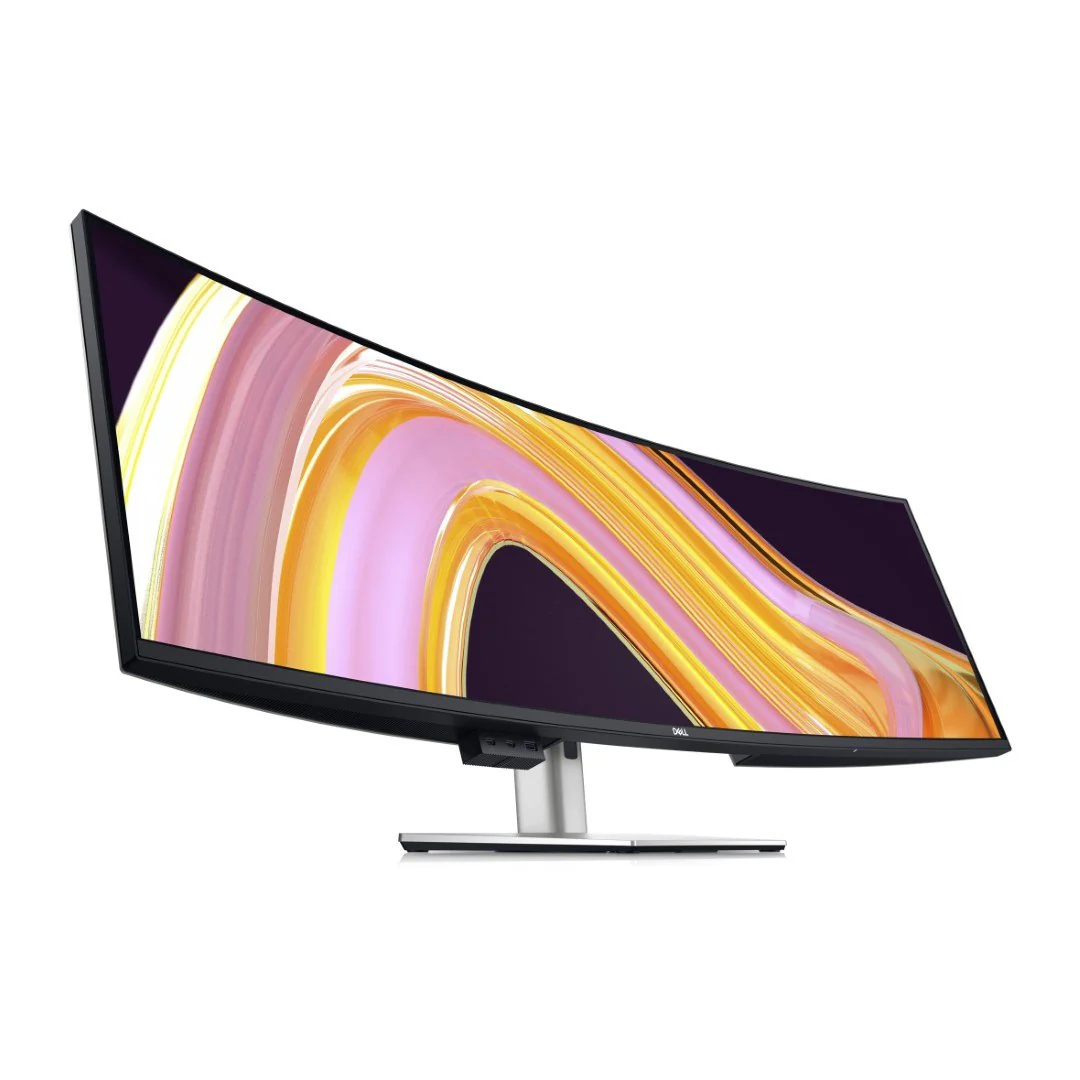
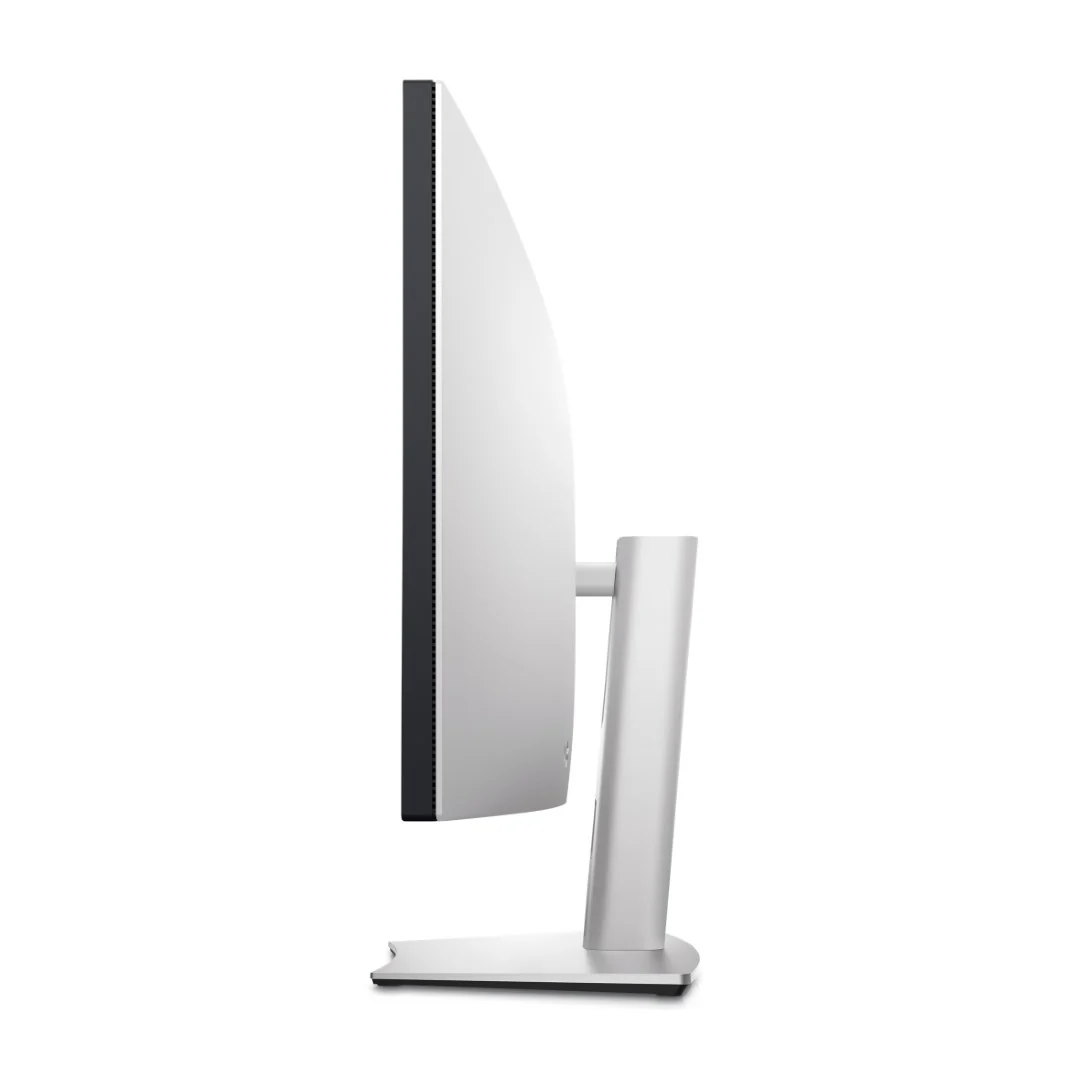
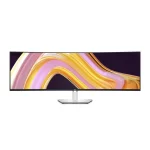
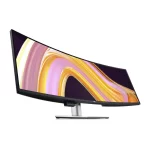
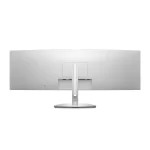
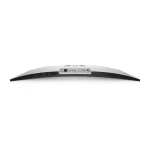

Dell U4924DW 49-inch UltraSharp Curved Monitor
R35 706,00
Features and Design
Experience no gaps in productivity
One screen or two: Obtain seamless, multi-screen productivity with two 27″ QHD partition capabilities complemented with exceptional color and contrast.
Vibrant hues, sharp contrast
IPS Black panel technology: Enjoy deeper blacks with the world’s first 49-inch WQHD+ monitor with IPS Black panel technology that delivers exceptional contrast (2000:1) across a wide viewing angle. Equipped with 100% sRGB, 100% REC.709, 98% DCI-P3 and 98% Display P3 color coverage.
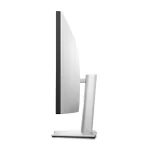
Curved screen: Work comfortably with a curved screen that improves field of view and reduces reflection and eye fatigue.
Enhanced eye comfort: ComfortView Plus is an always-on, built-in, low blue light screen that reduces potentially harmful blue light emissions without compromising color.
Power your productivity
Streamline your workflow: A single cable USB-C transmits data and video signals while delivering up to 90W of power.
Fast and stable connection: Get up to 2.5GbE provided by RJ45 with PXE boot, Mac Address pass-thru and Wake on LAN features. RJ45 lock feature gives you the flexibility to lock the wired Ethernet to a chosen PC while continuing to work from dual PC inputs.
Connect: A wide variety of devices are connectable with USB-A and USB-C Gen2 downstream quick-access ports that deliver speeds up to 10Gbps and DP1.4, HDMI and USB-C upstream ports.
Starting is easy
Quick connect: Conveniently located USB-C (up to 15W power) and USB-A ports make it easy to plug in external devices, and built-in dual 9W speakers saves you the hassle altogether.
Dive right into your project: The built-in power sync feature wakes up and powers on your laptop.
Power of two
Internal Multi-Stream Transport (iMST): View your display across the full screen or split it into 2 x 27-inch QHD partitions with iMST. No external software or DisplayPort splitter needed.
Multitask better: Connect to two PC sources and Auto KVM (keyboard, video, mouse) will seamlessly switch controls over to the second connected PC. Use KVM feature to control both PCs with a single keyboard and mouse. The KVM wizard makes setup a breeze.
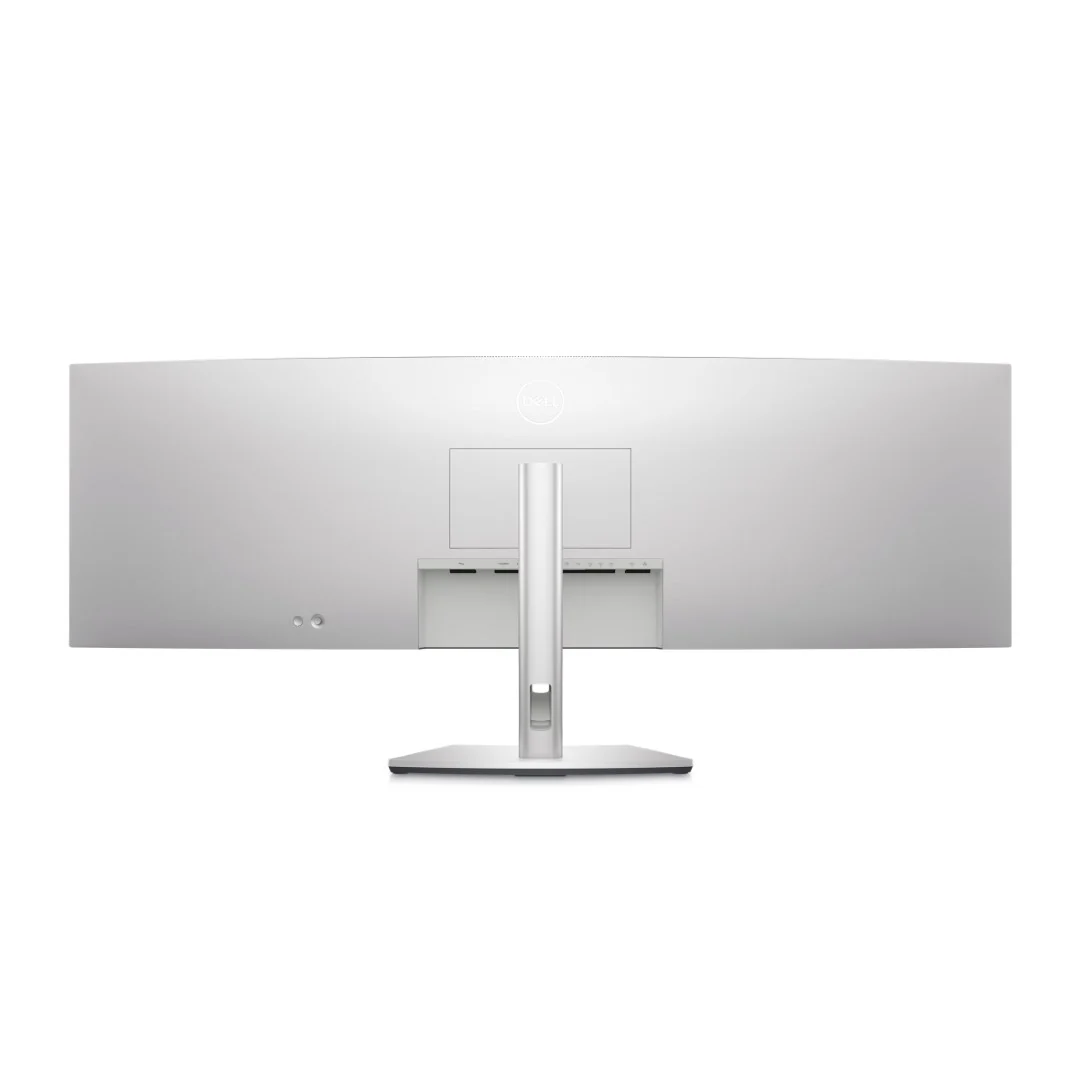
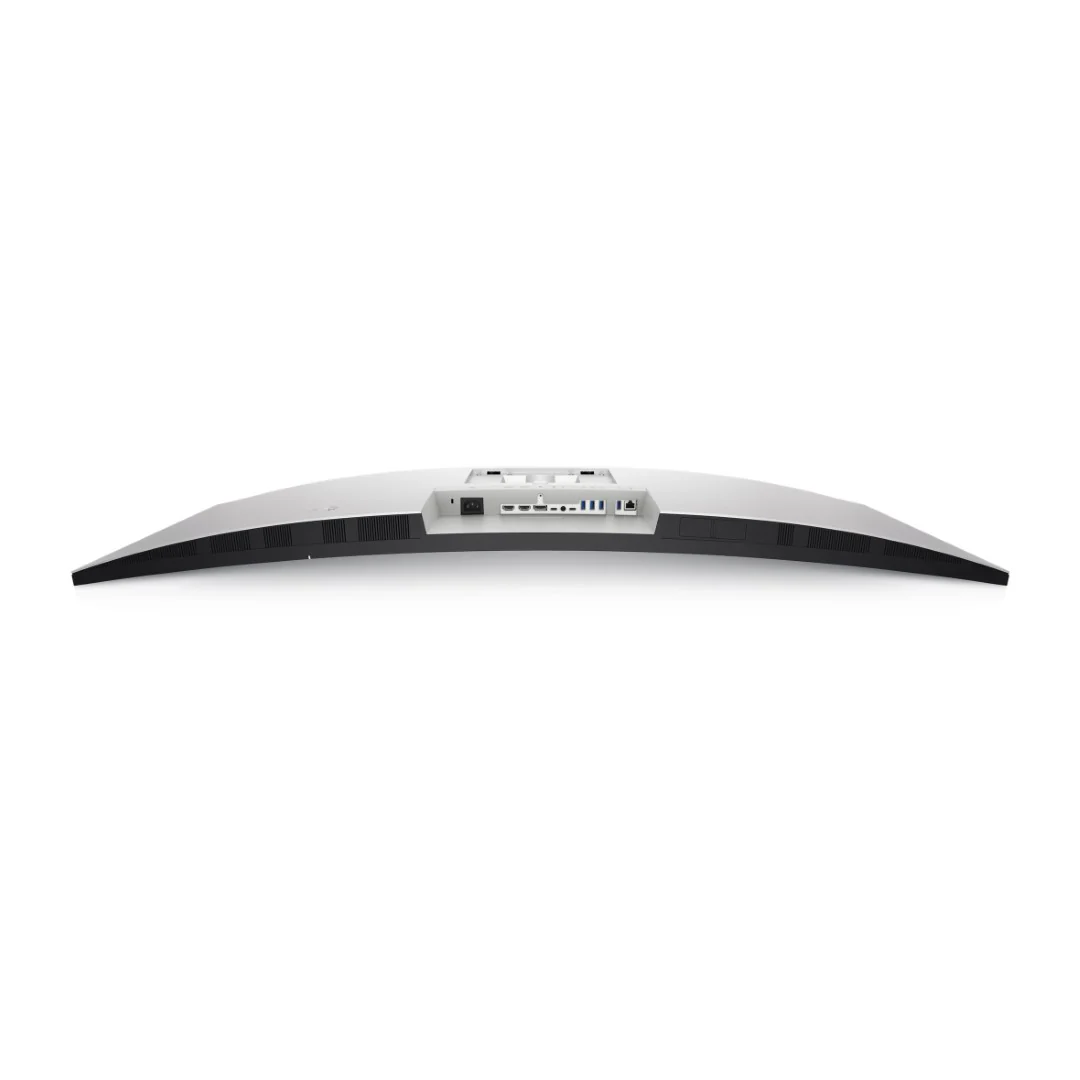
Ports & Slots
- Security lock slot (based on Kensington Security Slot)
- Power connector
- 2x HDMI
- DisplayPort
- USB Type-C upstream port (Video + Data). Alternate mode with Display Port 1.4, Power Delivery up to 90 W
- Audio line-out port
- USB Type-C upstream port (data only, SuperSpeed USB 10 Gbps, USB 3.2 Gen 2)
- 4x USB Type-A downstream ports (SuperSpeed USB 10 Gbps, USB 3.2 Gen 2)
- RJ45 connector
- Stand lock
- 2x USB Type-C downstream ports (SuperSpeed USB 10 Gbps, USB 3.2 Gen 2)
- USB Type-A downstream port with power charging (SuperSpeed USB 10Gbps, USB 3.2 Gen 2)
- Speakers
You must be logged in to post a review.

Apple iPhone 14
R12 999,00


Related products


Seagate One Touch External Hard Drive with Password
Original price was: R1 799,00.R1 299,00Current price is: R1 299,00.

ASUS ZenScreen MB169CK 16″ Portable Full HD IPS Monitor – Dual USB-C, Flicker-Free
Original price was: R3 999,00.R2 499,00Current price is: R2 499,00.

Logitech G102 Wired Gaming Mouse Black
Original price was: R399,00.R349,00Current price is: R349,00.

Logitech MK470 Slim Wireless Keyboard and Mouse Combo
Original price was: R1 199,00.R1 099,00Current price is: R1 099,00.

Logitech Pebble 2 Combo Wireless Keyboard and Mouse
Original price was: R999,00.R949,00Current price is: R949,00.
Microsoft Surface Laptop 7 15-inch
R37 899,00

Logitech MX Ergo Wireless Trackball Mouse
Original price was: R2 499,00.R2 199,00Current price is: R2 199,00.





Reviews
There are no reviews yet.